



Price: ₹23,516 - ₹19,516.00
(as of Dec 21, 2025 15:02:47 UTC – Details)

How to Use:
You can start a video conference by using document camera in 3 steps:
Step 1: Plug into the computer. It will be detected automatically. No need to install drivers or other software.
Step 2: Starting up the video sharing application.
Step 3: In the settings menu, change the webcam source to USB webcam and you are good to go!
Specification:
Item Type: Document Camera
Material: Plastic, Iron
Interface: USB
Range: Maximum A3 Area Size Projection, Supporting 10cm Macro Projection
Parameters: Usb Document Camera is Suitable for Zoom, for Skype, for Teams, for Facetime and More!
Package List:
1 x
Document Camera
1 x Base
1 x User Manual
Package Dimensions : 40 x 19 x 11 cm; 1.44 kg
Date First Available : 10 May 2025
Manufacturer : LICAEVEY
ASIN : B0DWM315PP
Item model number : LICAEVEYw3gqnueady
Country of Origin : China
Manufacturer : LICAEVEY
Item Weight : 1 kg 440 g
Included Components : No
Generic Name : Camera & Photo
HD LIVE IMAGE: This document camera adopts 8MP sensor that captures live Images of ultra HD(3264 x 2448p) at 15fps and of full HD(1920 x 1080p) at 30 fps.
PLUG AND PLAY: This overhead projector is equipped with USB2.0 cable for easy connection. Plug and play providing great convenience.
STRONG COMPATIBILITY: This doc camera is suitable for , 7, 8, 10, for OS X above 10.11, etc. Also compatible with most online software.
WIDE APPLICATION: This portable document camera is widely used in distance learning, classroom presentations, remote collaboration projects and teleconferencing, etc.
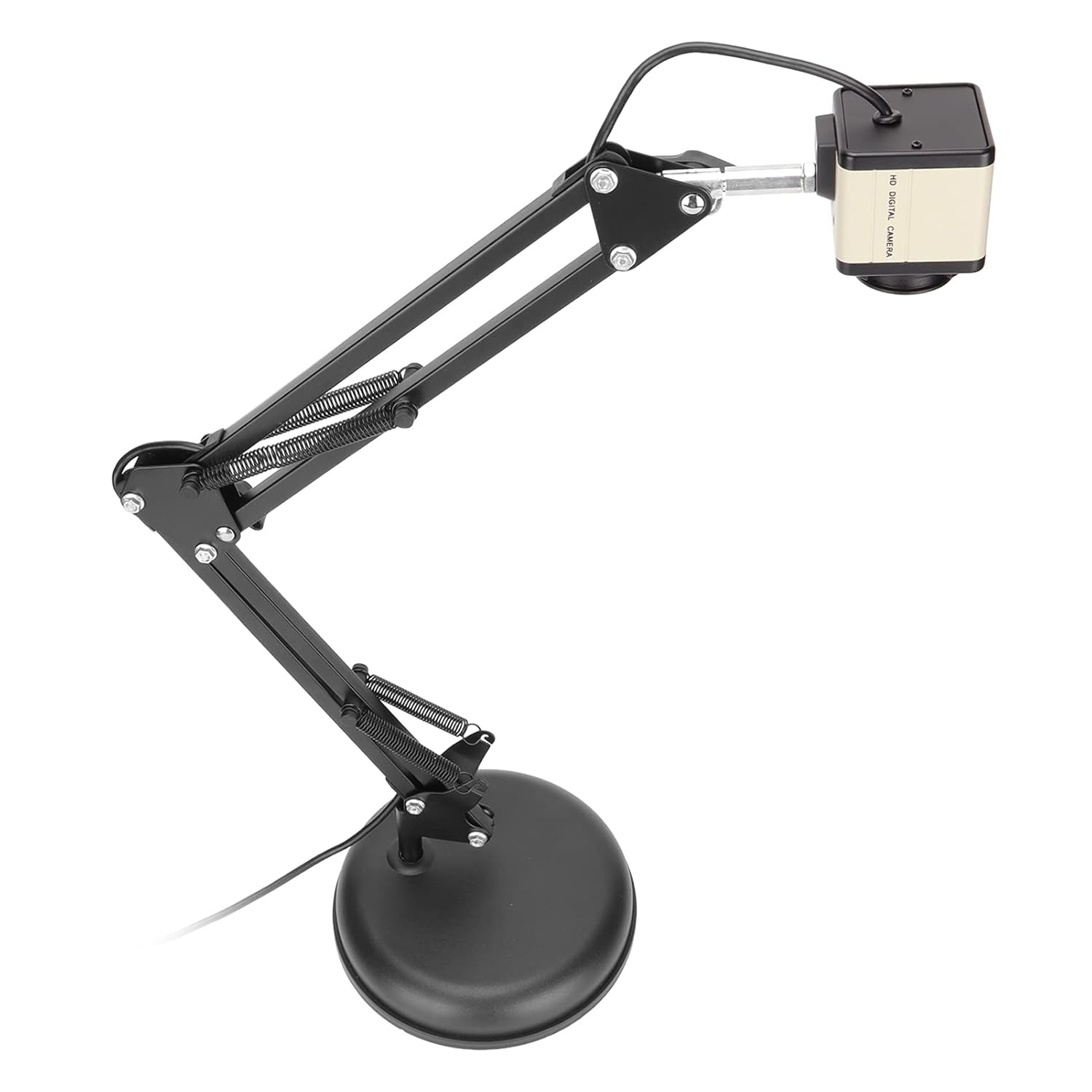
FLEXIBLE DESIGN: This document projector also features flexible design that allows you to display the images from different angles. The stable base can be fully stretched for capturing 16x12in area.