





Price: ₹5,999 - ₹149.00
(as of Nov 23, 2025 18:51:00 UTC – Details)

Product Description

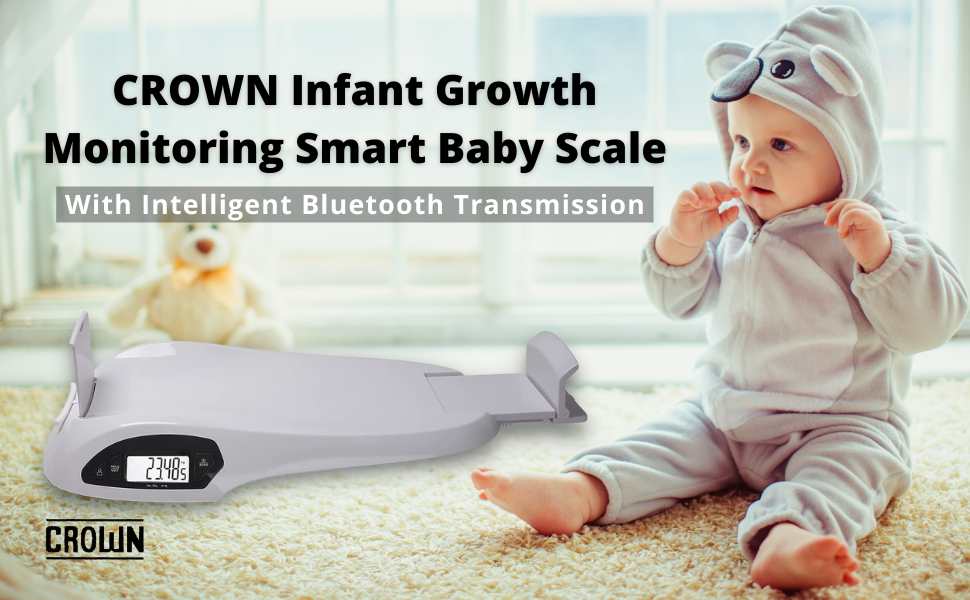
Welcome to use our smart baby scale, the best growing companion! Please read the instruction carefully to ensure proper usage.
Let baby sit up comfortably, then use our accessory, tapeline, to measure the head circumference by surrounding the head closely in a circle from the up point of the eyebrows to the highest point of the occipital bone.
Major Specifications & Features
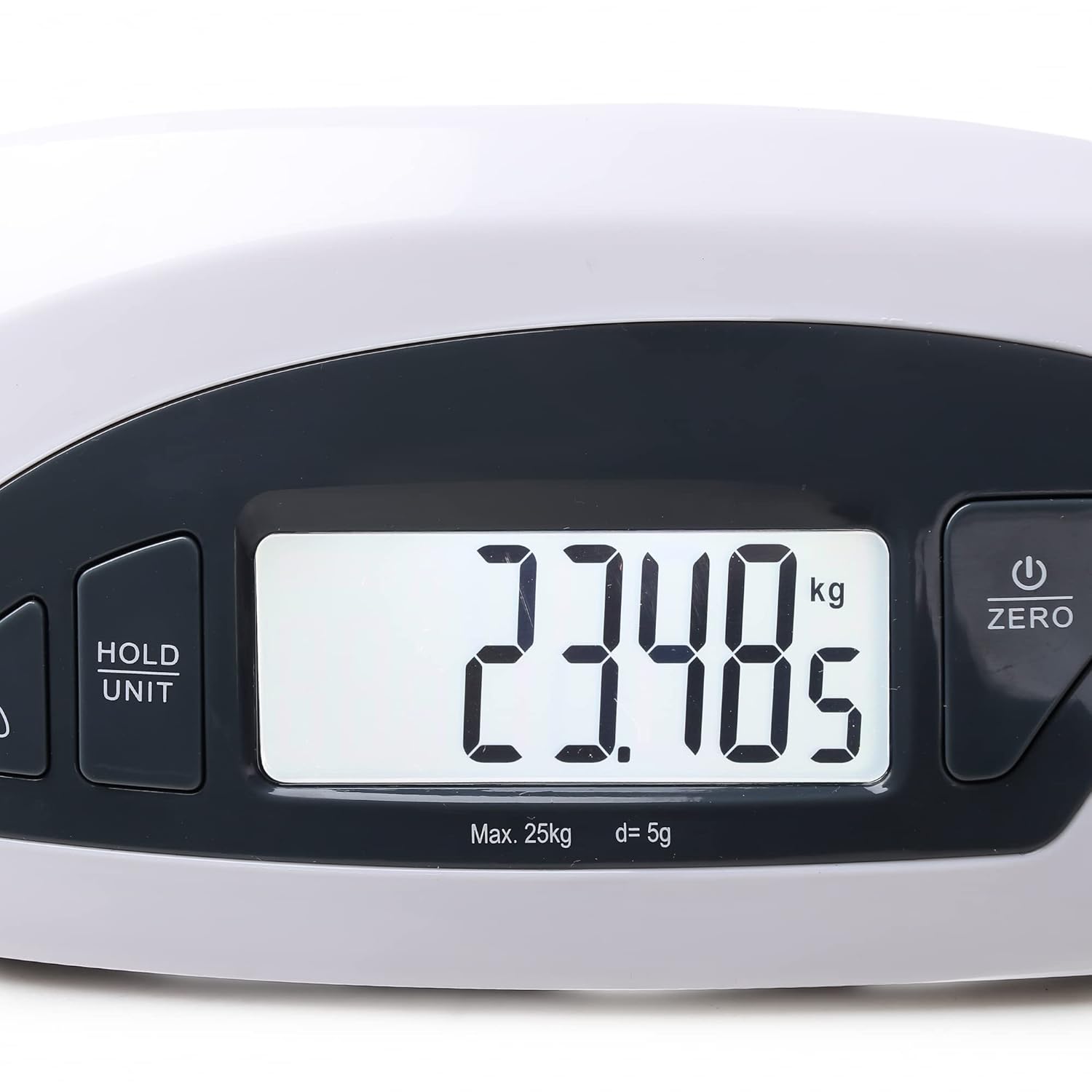
Maximum capacity: 25 kg/55lb; Division: 0.005kg/ 0.01lbHeight measurement range: 46 ~80cm/ 18.1~31.5in, division:1mm/0.1in Memory: 8 users supported, data compassion mark Accessory: Tapeline for head circumference measurementWith wireless Bluetooth, connecting Intelligent terminal APP is supportedApp features: Measurement display, growing curve, daily and etc
How to Measure Weight and Height
To ensure the accuracy of measurement, please use the scale on a flat and firm floor. The user should be created by the APP before measurement, please see the software instructions l in the APP for more details.
Step 1:- Press “power button/zero” to switch on the scale, LCD will show the previous user no., of which data is saved . You can also press”Adult” to choose other existing users.
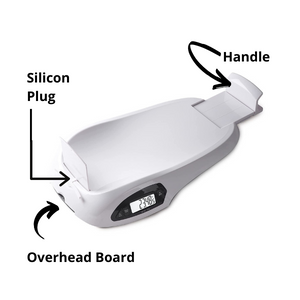
Step:-2 Pull out the silicone plug and insert the overhead board (Refer to Digram 1 to 2).

More Steps
Step:-3 Lift opens up the handle to vertical for activating the height measurement, and keep it totally leaned toward the initial Position, LCD will show 46.0cm/18.1 in as the initial value. If not, press “power button/ZERO” to initialize
the value was then pulled out of the measurement board to measure the baby’s height.
Step:-4Lay down your baby carefully on the scale. The head should touch the overhead board , at the same time, the feet should touch the vertical handle.
Step:-5
LCD will show the results of the baby’s weight and height, when they are stable, press “HOLD/UNIT” to lock up the measurements and store the data on the scale, then you will see the comparison results against previous measurements. The guest mode only shows the measurements, but won’t save the data in scale memory. (Press ” HOLD/UNIT” to cancel locking or let it turn off automatically without any operation).
Note: About memory of scale: Maximum 8 users supported, 15 records for each user. The first record will be overwrote by the latest record when the record more than 15. Multiple measurements per day, only the lastest record will be saved for every user.

Step:6
The app will show the measurements, the head circumference will be measured by the tapeline, pull the head size bar in the APP to record it, and click Save to store up all the measurements to history and drop down on the child Growing Curve for reference.
Note: For. Weight measurement only, just skip steps 2 & 3.
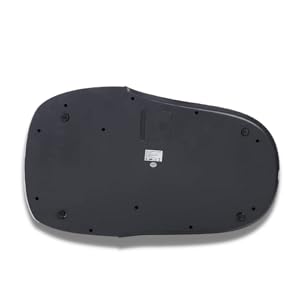
Cleaning and Care
Clean the scale with a slightly damp cloth. DO NOT immerse the scale on water or use chemical/abrasive cleaning agents.All plastic parts should be cleaned immediately after contact with fats, spices, vinegar and strongly flavour/colored foods. Avoid contact with acids citrus juices.Always use the scale a solid, flat surface.Do not knock, impact and drop the productThis product is a precision instrument, please be carefulPlace in a cool dry placecheck the battery if the scale cannot be turned onDesigned for family and non commercial

Large LCD for height and weighing.
Record and save weight data using “Senssun Baby” mobile app.
Extendable platform for measuring baby’s height.
Operates on dry cell batteries.
Low battery power consumption.
Suitable for use in both infant care clinics and home.